Our project combines social scientists, social anthropologists, marketing specialists, accountants, archaeologists and a wide range of community participants. "Send me the pdf!", "Have you a pdf?", "here's the pdf" are common phrases during any meeting. The pdf has become the de facto standard for sharing documents and our main formal repository for these projects is the excellent zenodo.org which mostly houses documents as pdfs and data as xls files.
The use of AI is not a formal part of our project description but it has been impossible to ignore and we have a small AI Skunkworks going on in the background of the project. Journalist and researcher Henk Van Ess makes the very important point that pdfs can be interrogated in AI environments but that text files are a better format for that purpose.
Since 2000 or thereabouts our training in archaeological fieldwork was to archive digital documents in a variety of formats including, .txt. .rtf, .doc and the long archiving pdf/a format.
In Henk's case the most difficult part of a recent journalistic project was not delving into a multiplicity of documents with the AI but rather the conversion of a majority of pdfs back into structured text format.
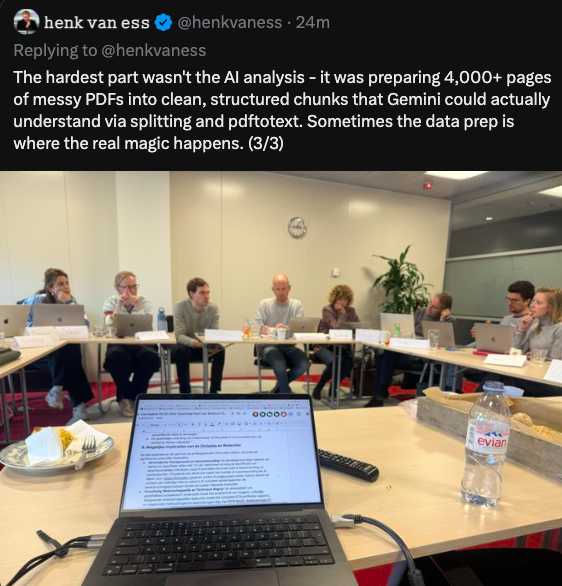
The hardest part wasn't the AI analysis - it was preparing 4,000+ pages of messy PDFs into clean, structured chunks that Gemini could actually understand via splitting and pdftotext. Sometimes the data prep is where the real magic happens
There's a lesson there for us all, the pdf will continue its usefulness but the humble .txt file is going to see a significant revival and in all likelihood we will no longer lean solely on an archived pdf from now on. Have just checked zenodo.org and .txt uploads are indeed 'doable'.
Addendum: Our digital lead Maurizio Toscano has advised me to look into docx and pdf/x formats ie. structured documents. Pdf/X documents are produced in Affinity Designer in MacOS by opening a pdf and exporting in the appropriate pdf/x format.
Second addendum by Claude Sonnet 4: For AI Applications: Structured formats are indeed better because they provide context about document organization, allow preservation of formatting intent, and enable better content extraction and understanding. However, the quality depends heavily on how well the original document was structured - a poorly formatted DOCX isn't necessarily better than well-organised plain text.
The key is that structure helps AI understand document hierarchy and meaning, not just raw content.
Format Comparison for AI Processing
Most Structured:
- DOCX: Rich semantic structure, styles, hierarchy
- Tagged/Structured PDFs: Semantic markup when properly created
- HTML/XML: Explicit markup and structure
Less Structured:
- RTF: Some formatting but limited semantic information
- Standard PDF: Often just visual layout without semantic structure
- Plain text (.txt): No formatting or structural information
Conclusion
Last year while working on designing community heritage trails we were directed to research accessibility good practices in designing documents. After a number of discussions with colleagues with experience in accessibility designs we concluded it was not solely a matter of designing for people with accessibility issues but rather just doing good design. Using headings in text documents and captioning images including the use of alt. text is recommended for designing documents to be read with screen readers and it strikes me now the same point is relevant in producing AI-friendly documents. In future weeks we will improve our skills in producing structured pdfs (for the AI?). Soon "send me the structured pdf" will be the new refrain.